
Collaborative robots, or “cobots,” are no longer a small pilot project in a corner of the factory. They are on real floors, in real warehouses, next to real people, moving real product. And that is where the hard part begins.
Because the promise sounds simple: let robots and humans work side by side, safely, so output goes up and mistakes go down. But many teams hit the same wall. The moment you push safety, delivery slows. The moment you push speed, safety teams get nervous. And the moment you try to satisfy both, the project turns into a long debate over sensors, speeds, zones, and “what if” cases.
This article is about breaking that trade-off.
You will learn how to design safe human–robot interaction (HRI) that still ships. Not in theory. In practice. With clear choices you can make on layout, motion, sensing, tasks, and testing so your cobot cell is both safe and fast.
And because Tran.vc works with robotics and AI teams early, we will also touch on a part most teams ignore until it is too late: how to protect what you build. If you create a safer, faster way to run HRI—your motion logic, your risk method, your control loop, your training flow—that can become an asset, not just a feature. If you want help turning that into real IP, you can apply anytime at https://www.tran.vc/apply-now-form/.
Before we go deep, one truth to hold onto: “safe” does not mean “slow.” It often means “clear.” Clear tasks. Clear roles. Clear space. Clear signals. Clear limits. When those are set, the robot can move with confidence, and the human can work without fear. That is how you keep delivery moving.
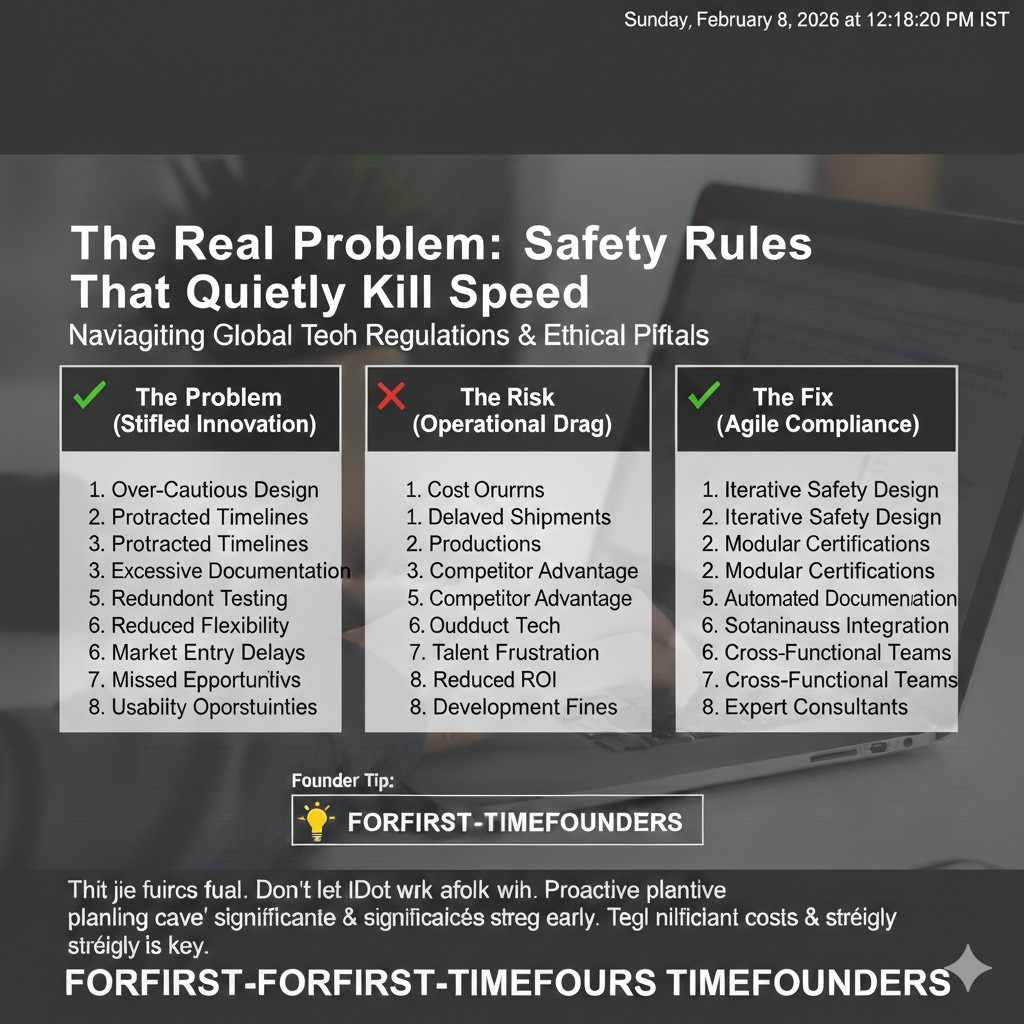
The Real Problem: Safety Rules That Quietly Kill Speed
Why most cobot projects slow down
Many cobot projects do not fail because the robot cannot do the work. They fail because the work was picked the wrong way. Teams often choose a task that looks easy, like moving parts from A to B, but it is mixed with human steps that are messy and not steady.
When the human step is not steady, the robot must keep waiting, pausing, or backing off. That creates the feeling that “the robot is slow.” In truth, the robot is being forced to act like a guest in a home where the furniture keeps moving.
The second trap is safety added late. If you build a fast demo first and add safety later, you end up cutting speed to pass safety review. That can turn a strong pilot into a weak production cell that no one likes.
What “safe HRI” really means on a busy floor
Safe HRI is not only about not hitting a person. It is about making the full work area calm and clear. It means the human always knows what the robot will do next, and the robot always has a clean way to react when the human does something new.
If the human is guessing, they slow down. If the robot is guessing, it slows down. If both are guessing, output drops and near-misses rise. The goal is to remove guessing, not to remove motion.
How to avoid the false choice between safety and delivery
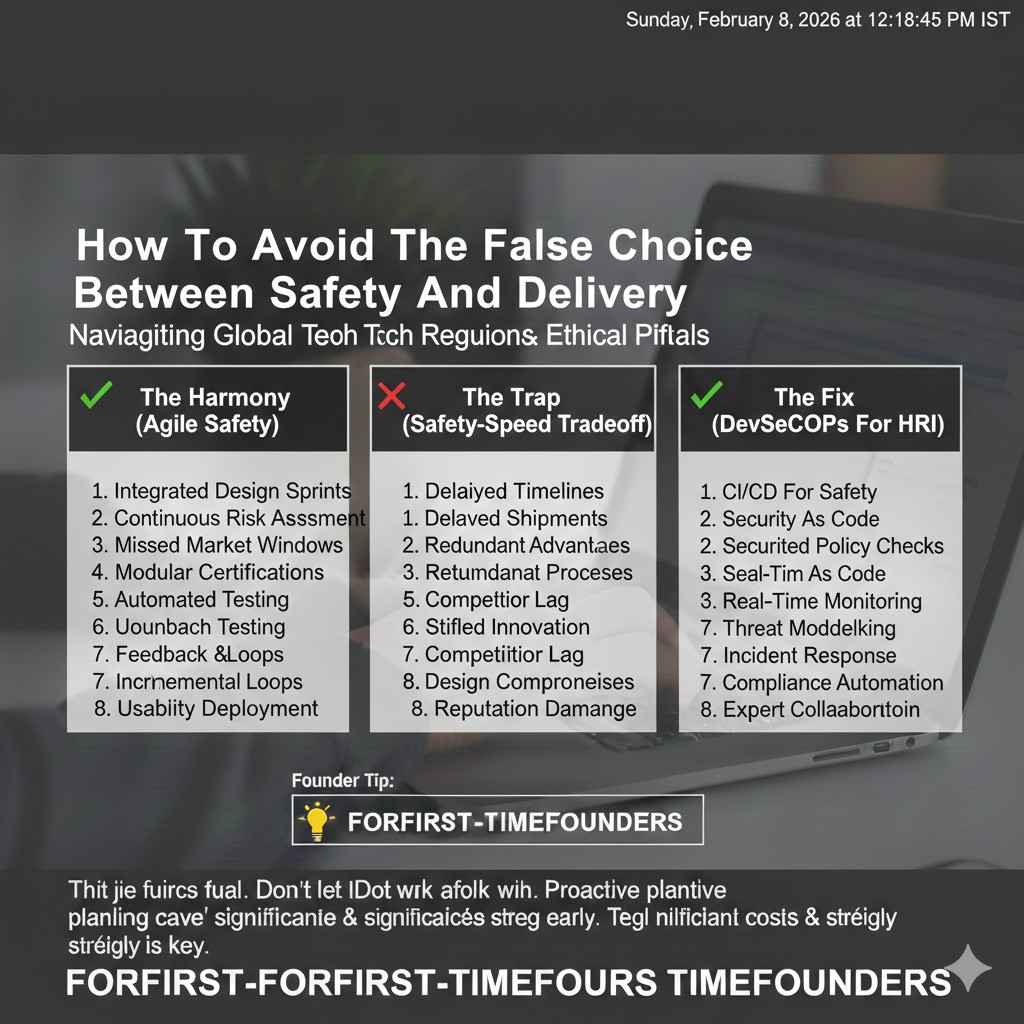
Most teams treat safety and speed like a slider. Move it toward safety and speed drops. Move it toward speed and safety drops. That is the wrong mental model.
A better model is “design.” When the work is designed well, you can be safer and faster at the same time. You do that by shaping the task, shaping the space, and shaping the robot’s behavior so it rarely enters a risky state.
And when it does enter a risky state, it exits quickly and in a way that does not break the flow.
If you are building a new method to make that happen—like a better way to set zones, tune limits, or plan safe motion—those are the kinds of things that can become defensible IP. Tran.vc helps robotics teams lock that in early through in-kind patent and IP support. You can apply anytime at https://www.tran.vc/apply-now-form/.
Pick the Right Work First: The Fastest Safety Win
The “shared space” myth
A lot of people hear “collaborative robot” and picture a robot and human both touching the same part at the same time. That can be done, but it is not the best place to start if you want speed.
Shared space does not have to mean shared exact location at the same moment. The best high-output cobot cells often use “shared area, different time.” The human does a step, the robot does a step, and the handoff is clean.
This still counts as collaborative. It still reduces labor load. It is also easier to make safe without slowing down.
Choose tasks with clean edges, not fuzzy ones

A good early cobot task has clear start and stop points. The robot should know when it begins, what counts as success, and what counts as a failure. The human should know where the robot will move and when it will move.
Bad tasks have fuzzy edges. For example, “help with packing” can mean many things. Box sizes change. Items change. The human moves in many ways. The robot becomes a helper that is always in the way.
Good tasks are more like “place this part into this fixture” or “hold the part at this angle while the human fastens.” The work is stable and repeatable, which reduces safety events and keeps cycle time steady.
Make the robot do the dull part, not the hard part
To keep delivery fast, let the robot do the dull, heavy, and repeated moves. That is where robots shine and humans get tired.
Let humans do the steps that require quick judgment, small changes, or fine feel. If you force the robot to do the judgment work too early, you will end up slowing everything down with checks, slow moves, and extra sensing.
This is not a forever rule. It is a starting rule. You can expand later once the cell is stable.
One simple test before you build anything

Before you buy tools or write code, run a “shadow cycle.” Have two people act out the work: one is the “robot,” one is the “human.” Time it.
If the “robot” keeps stopping because the “human” is in the way, your future robot will also stop. If the handoff is awkward, your future handoff will also be awkward.
This test is simple, but it reveals where safety slowdowns will appear before you spend money.
Design the Cell Like a Story: Clear Roles, Clear Space, Clear Flow
Why layout is your first safety system
Many teams think safety starts with sensors. In real life, safety starts with layout. If the layout is clean, the robot rarely needs to slow down.
A clean layout gives each actor a “home.” The human has a home zone for walking, picking, and checking. The robot has a home zone for sweeping motion. The handoff area is small and shaped so both can reach without crossing paths.
When you do this well, safety controls become a backup, not the main tool.
Shrink the shared zone on purpose
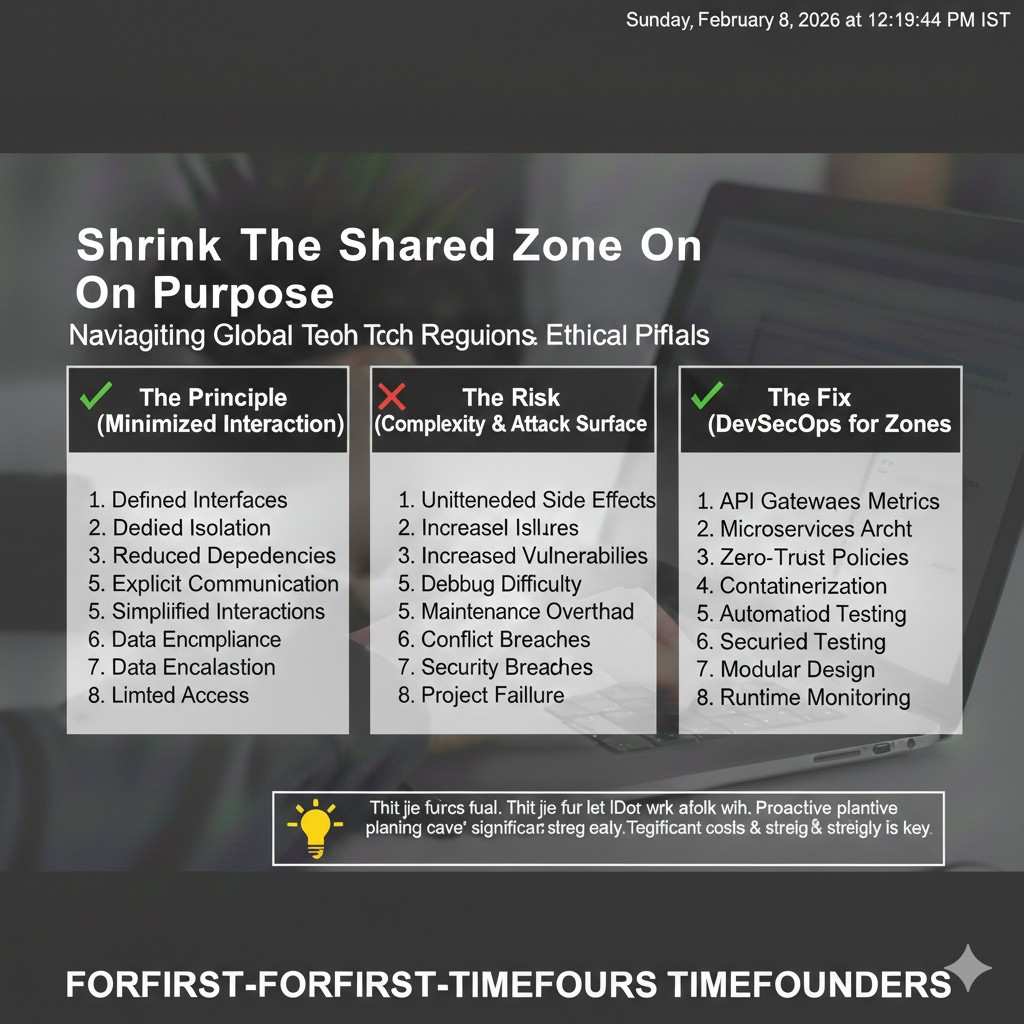
The shared zone is where safety risk and speed loss often live. So you want it small. Not because you want the robot far away, but because you want the contact points tight and repeatable.
If the shared zone is big, the robot must treat a wide area as risky. That means more slow moves, more stops, and more time lost. If the shared zone is small, you can keep most motion fast and limit slow mode to a short part of the cycle.
Use physical guides to reduce “human drift”
People do not stand in the exact same spot every time. They drift. They turn. They lean. They reach differently. That is normal human behavior, but it can confuse a robot and trigger safety slowdowns.
Physical guides help. A simple mark on the floor. A small rail. A table edge. A light that shows where to stand. These do not need to feel like a cage. They are just gentle cues that keep the human in the best spot.
When the human stays in a known place, the robot can move with more confidence.
Build for recovery, not only for the perfect cycle
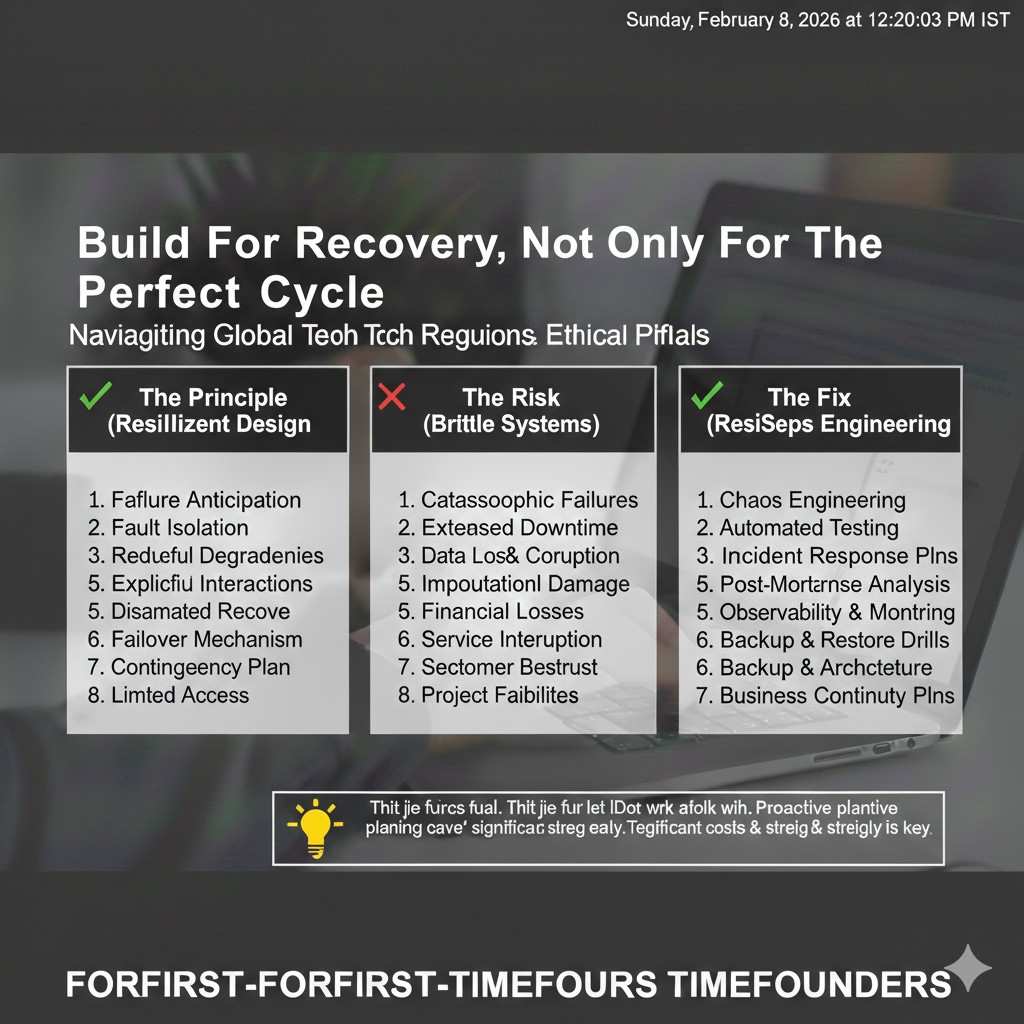
Most cobot cells look great when nothing goes wrong. The real test is what happens when something goes wrong. A part is missing. A bin is empty. A sensor gets blocked. A human steps in to fix something.
If recovery is messy, you will lose speed every hour. So design a recovery path from the start. The robot should have a safe “go home” pose. The human should have a safe way to enter and exit. The system should make it easy to reset without calling an expert.
A fast recovery is a hidden driver of throughput. It also lowers stress, which reduces unsafe behavior.
Teach the Robot to Behave Well Around Humans
Predictable motion beats “smart” motion
Many teams try to make motion plans that are very clever. They try to squeeze paths into tight spaces to save time. That can work in a fenced cell, but it often backfires in HRI.
Around humans, the best motion is predictable. It follows the same path. It avoids sudden swings. It does not “surprise” the person with a fast move near the body.
Predictable motion builds trust. Trust keeps the human moving at full speed. When humans trust the robot, they stop hovering, stop watching every move, and start doing their own work again.
Use speed changes as a signal, not only as a limit
Slowing down can be more than a safety rule. It can be a communication tool. When the robot moves fast in its own zone, it signals that the human does not need to worry. When it enters the shared zone and slows, it signals caution.
This is important because humans read motion like they read body language. A robot that always crawls feels weak and frustrating. A robot that always moves fast feels scary. A robot that changes speed in a clear and repeatable way feels professional.
Make “pause” feel natural, not like a failure
Pauses will happen. The key is to make them clean. The robot should pause in a stable pose, not mid-swing. It should pause with a clear visual or sound signal, so the human knows why.
If pauses feel random, humans start to work around the robot. That is when unsafe moves happen, like reaching under a moving arm or stepping into a path because “it always stops anyway.”
A clean pause routine keeps safety high and avoids the slow “human workaround” behavior.
Use Sensing That Protects People Without Freezing the Robot
Start with the simplest sensing that can work
Teams often jump to complex sensing because it feels safer. In many cases, it does the opposite. When the system is too complex, it becomes hard to tune, hard to test, and easy to trigger false stops. False stops are a silent killer of delivery.
A better path is to begin with the simplest sensing that fits the task. If the work is stable and the layout is clean, you may need far less sensing than you think. Fewer signals also means fewer things that can go wrong in production.
Separate “safety sensing” from “process sensing”
A common mistake is using one sensor for everything. Safety sensing and process sensing have different jobs. Safety sensing must be trusted, consistent, and treated with strict rules. Process sensing can be flexible, and it can change as the product changes.
When these are mixed, process changes can break safety behavior. For example, if a vision system is used both to find a part and to decide if a person is too close, a small lighting change can create safety stops. Your team then slows the robot to reduce risk, and throughput drops.
If you keep safety sensing and process sensing separate, you can improve the process without touching safety limits each time.
Choose zones that match how humans really move
Humans do not move like boxes. They do not enter a zone in a perfect line. They lean in and lean out. They rotate their body while their feet stay still. They reach with one arm while their head stays back.
If your zones are built as clean rectangles with no thought for real movement, you will trigger slow mode too early and too often. That is when the robot seems “timid,” even if the hardware is strong.
When you design zones, think about reach and lean, not just foot position. If you expect a person to reach 30 cm into a bin, design the shared area for that reach, and keep the robot’s high-speed path away from it. This reduces needless slowdowns while still protecting the person.
Reduce false stops with deliberate “quiet space”
False stops often happen when the system cannot tell the difference between safe and unsafe human presence. The fix is not always better software. Many times, the fix is more quiet space.
Quiet space is a small area around key sensors and around critical robot paths where you remove clutter. No loose boxes. No shiny tape that confuses cameras. No swinging cables that trip scanners. No reflective plastic that looks like motion.
When the environment is calm, sensors become more reliable. Reliable sensors let you keep the robot fast, because you are not living in constant stop-and-reset cycles.
Design the Work Like a Handshake, Not a Tug of War
Build one clean handoff moment per cycle
Most HRI slowdowns come from messy handoffs. The human and robot both want the same space at the same time, so the robot waits, the human waits, or both try to “sneak” in.
A strong pattern is one clean handoff moment per cycle. The robot delivers a part to a known spot, then it leaves. Or the human places a part in a known spot, then the robot enters. The spot is always the same, and the timing is always clear.
This feels almost too simple, but it removes the most common reason for slow mode. It also makes training easier, because operators do not need to learn many different ways to work with the robot.
Use fixtures to create repeatable safety
Fixtures are not only for quality. They are also for safety and speed. When a part sits in the same place and angle every time, the robot path can be tight and predictable. A predictable path means less time spent in “cautious movement.”
Without a fixture, the robot often needs to search. Searching looks like intelligence, but it costs time. It also adds motion near the human that can feel uncertain. The human then starts to watch the robot more closely, which slows the whole cell.
A simple fixture can cut cycle time and make the cell feel calmer. Calm cells produce faster work.
Keep human steps short and stable
A cobot is best when the human role stays steady. If the human must walk away mid-cycle to get a new tool, the robot will either wait or run ahead and create conflict at the handoff.
If you want safe HRI without slowing delivery, keep the human steps short. Keep tools close. Keep parts close. Keep the “human loop” tight so the person returns to the handoff at the right time.
This is not about squeezing people. It is about removing wasted motion so the person is not rushed. When humans feel rushed, they take risks. When humans feel steady, they work faster and safer.
Make exceptions part of the design
Every real line has exceptions. A part arrives damaged. A label will not stick. A screw strips. When exceptions appear, people often step into the robot space to fix the issue quickly.
If the system does not support that safely, your team will either ban fixes and lose uptime, or allow risky behavior. Both outcomes are bad for delivery.
Design an exception routine that is fast and safe. The robot should go to a known safe pose. The system should show a clear “safe to enter” state. The human should complete the fix and return to the normal flow without a long reset.
This is one of the highest leverage parts of HRI design, because it affects the cell every single day.
Keep Safety Approval Fast by Making Safety Evidence Easy
Treat safety review as a product, not paperwork
Teams often see safety review as a hurdle at the end. That mindset creates delay. A better approach is to treat safety evidence as part of the product you are building.
If you collect the right evidence during early tests, you will not need to recreate it later. If you wait, you will repeat work under pressure, and pressure leads to slow choices like lowering speeds “just to be safe.”
When safety evidence is built in early, you can keep performance high while still passing review.
Use clear limits that are easy to explain
Complicated safety logic can be correct and still fail in practice, because no one understands it. If operators do not understand it, they do not trust it. If managers do not understand it, they hesitate to scale it.
Aim for limits that are clear enough to explain in plain words. Where the robot runs fast, where it slows, where it stops, and why. When people can repeat the reasons, adoption rises and “informal workarounds” drop.
Clear limits also help during audits and customer visits. Confidence is part of delivery, because it reduces friction around change.
Document behavior with real video and real timing
Written notes are helpful, but video is often the fastest way to make safety real. Record normal cycles, slow mode entry, stop events, and recovery routines. Show how long each event takes and what triggers it.
When you can show that the cell behaves the same way each time, approvals move faster. It also helps you tune performance. If you see that slow mode triggers too early, you can adjust layout or sensing and measure the impact.
This is also where IP can hide in plain sight. If your team develops a repeatable method to define zones, set limits, and prove safe behavior while keeping cycle time tight, that method can be protectable. Tran.vc helps teams capture that value early, before it leaks into the market. You can apply anytime at https://www.tran.vc/apply-now-form/.
Build a simple training story for operators
No cobot cell is safe if people do not know how to work with it. Training should not be long or full of hard terms. It should be a short story that matches what the operator sees.
The story should answer a few human questions: Where do I stand? What does the robot do first? What does it do when I step close? How do I pause it? How do I reset it after a jam?
When training is simple, people follow it. When people follow it, you get stable motion, fewer stops, and better delivery.