
Privacy-by-design sounds nice on a slide.
In real life, it is messy. Your AI product needs data to work. Your users want speed and ease. Your team wants to ship. And the law does not care that you were moving fast.
This guide is about what works in practice. Not theory. Not long lists. Just clear moves you can make while you build.
If you are building an AI product and you want to protect users, reduce risk, and still move fast, this is for you.
And if you want help turning your AI work into assets that investors respect—real IP that gives you leverage—you can apply anytime here: https://www.tran.vc/apply-now-form/
What privacy-by-design really means for AI
Most teams treat privacy like a checkbox. They add a banner. They add a policy page. They add a “delete account” button. Then they hope nothing breaks.
Privacy-by-design is different. It is a build rule.
It means you decide, early, what data you truly need, what data you can avoid, and what data must never leave a user’s control. Then you make the product follow those rules, even when it is inconvenient.
Here is the hard truth: in AI, privacy is not only about where the data sits. It is also about what the model can learn, what logs keep forever, what your vendors copy, and what your support team can see when a user complains.
A simple test helps:
If a user asked you, “Show me every place my data went,” could you answer with confidence?
Most teams cannot. Not because they are careless. Because the system grew, piece by piece, until nobody could explain it.
Privacy-by-design is how you avoid that outcome.
Start with the smallest data story you can live with
The best privacy step is the one that removes data you do not need.
In AI products, teams often collect “just in case” data. They want it for future features. They want it for training. They want it for debugging. They want it because analytics tools make it easy.
But “just in case” data becomes “forever” data. And “forever” data becomes a liability.
So start with a strict habit: every data field must earn its place.
When you add a field, write down one clear reason. One. Not five. If the reason is vague, the field is not allowed.
You would be surprised how much data disappears when you force that discipline.
And it changes your product for the better. Less data means less confusion. It also means fewer support issues and fewer scary moments when a customer security team asks hard questions.
If you sell to B2B buyers, this matters even more. Their security review will ask for data flows, retention rules, vendor access, and breach plans. If you do not have these, the deal slows down or dies.
Privacy-by-design is not only about avoiding fines. It is also about closing sales.
Stop mixing user data with model learning by default
This is one of the biggest mistakes in AI products.
Teams ship a feature. Users type sensitive text. The system logs it. The logs get copied into a data lake. Later, someone uses that lake to train or fine-tune. Nobody remembers the original promise made to users.
Now you have a problem.
So separate two things from day one:
- data needed to run the product right now
- data used to improve the model later
If you blur them, you will lose control.
A safer default is simple: user content does not feed model learning unless the user clearly opts in.
That one choice reduces risk in a big way. It also forces you to get better at learning from safer signals, like feedback buttons, error counts, and patterns in how features are used.
If you truly need user content to improve the system, do it with a strong consent flow, clear settings, and a clean way to reverse the choice. “Opt out later” is not the same as “opt in now.” Buyers know the difference.
The privacy risks in AI are not what most teams think
Most founders worry about hackers. You should. But AI adds other risks that look less obvious.
One is leakage through prompts. If your product allows a user to paste private data, that data can show up in logs, traces, support tools, and vendor systems.
Another is leakage through outputs. Models can accidentally repeat parts of data they saw before, especially if you fine-tune carelessly or store user text in retrieval systems without proper isolation.
Another is employee access. The fastest way to ruin trust is when a customer learns that “support can see everything.” Even if your team is kind, the customer will not accept it.
Another is vendor sprawl. AI stacks often include model APIs, vector databases, analytics, session replay tools, customer chat tools, and error trackers. Each one can become a privacy hole.
Privacy-by-design is not one wall. It is many small doors. You need to know where they are.
A practical way to design privacy before code grows
Here is a simple approach that works even for small teams.
Before you build too much, map the life of one piece of user data.
Not a full diagram with fancy shapes. Just a clear story.
A user types something. Where does it go first? Where does it go next? Who can see it? How long does it stay? When is it deleted? What vendors touch it? What backups keep it?
If you can tell that story in plain words, you are ahead of most teams.
Then make three decisions early:
First, decide what “private by default” means in your product. For many AI tools, it means user content is not shared with other users, not used for training, and not visible to staff unless needed for support and approved.
Second, decide what you will store and what you will avoid storing. If you can do inference without saving raw user text, do it. If you need to store it, store it for the shortest time that still works.
Third, decide your retention rule. If you do not choose one, you will end up with “keep forever,” because systems do that naturally.
This is one place where early founders can win. Large companies move slow. You can bake in good habits while your system is still small.
If you want help building a defensible foundation early—both in privacy thinking and in IP that protects what you are building—apply here: https://www.tran.vc/apply-now-form/
Privacy-by-design is also a product feature
This part is easy to miss.
Privacy is not only a legal topic. It is a trust topic. Trust drives adoption. Adoption drives data. Data drives better product. Better product drives sales.
So if you build privacy well, you can talk about it. You can show it in settings. You can show it in onboarding. You can show it in your sales deck.
But you can only talk about it if it is real.
Customers can tell when “privacy” is a marketing word. They ask for details. They ask for proof. They ask for your data retention policy and your vendor list and your security controls.
If your privacy-by-design work is solid, those calls become easier. You stop dreading security reviews. You stop scrambling to write policies after the fact.
You can even turn it into a moat. Not in a loud way. In a calm, confident way that makes buyers feel safe.
What comes next in this article
In the next sections, I will walk through what actually works when you build privacy into AI products, including:
- how to design prompts and logs so you do not accidentally store secrets
- how to use redaction and minimization that does not break model quality
- how to set up retrieval systems without cross-user leakage
- how to pick vendors without losing control of data
- how to handle “delete my data” in systems with backups and caches
- how to prepare for enterprise security questions early, without slowing down
I will keep it simple and practical.
Prompts and logs are your first privacy leak
Treat prompts like sensitive documents
Most AI teams think the prompt is “just text.” In practice, it is often the most sensitive part of your system. It can contain user input, internal rules, hidden product logic, and even account details pulled from your database.
If you store prompts carelessly, you are storing a full record of what users tried to do and what your system knew about them at that moment. That record is very useful for debugging, but it is also the easiest thing to misuse later.
A good privacy-by-design move is to treat prompts the same way you treat passwords. Not because prompts are passwords, but because they can contain things that should not live forever.
Log less than you feel you need
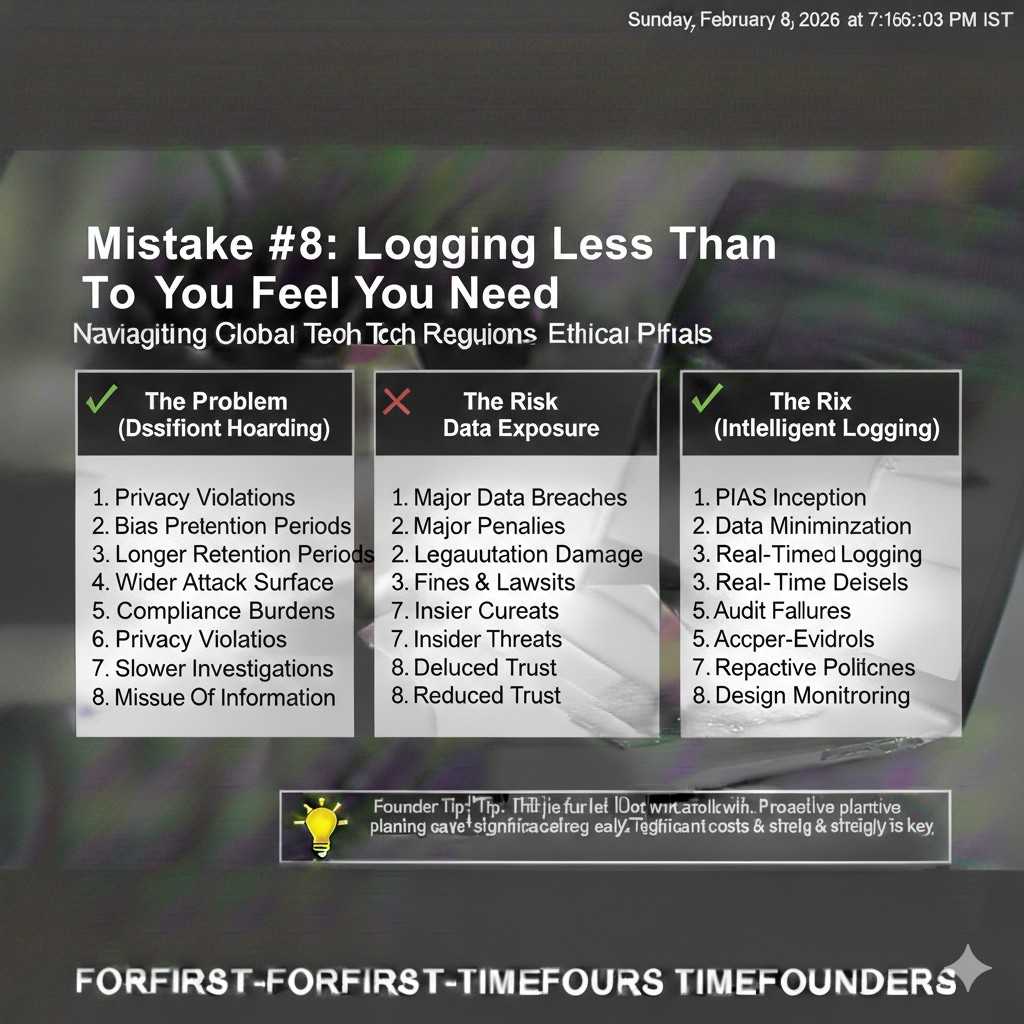
Engineers love logs. Logs solve problems fast. But logs become a second product, and nobody manages them with the same care as the core app.
The simple rule that actually works is this: do not log raw user content by default. Log events, counts, and error codes first. Then, only when you must, allow short-term “debug capture” for a single account, for a limited time, with clear internal access rules.
This keeps your team productive without turning your logging system into a quiet archive of private data that was never meant to be stored.
Make “debug mode” a controlled tool, not a habit
There will be moments when you truly need raw text to fix a bug. Privacy-by-design does not pretend that never happens. It just forces that access to be intentional.
Build a “debug mode” that can be turned on for a specific user or workspace. Make it expire quickly, like 24 hours or even 2 hours. Track who turned it on, and why, and who viewed the captured data.
When a customer asks how you limit staff access, this is the kind of answer that builds trust.
If you want Tran.vc’s help building early systems that stand up to investor and enterprise scrutiny, apply anytime: https://www.tran.vc/apply-now-form/
Data minimization that does not break the AI
Decide what the model needs versus what the business wants
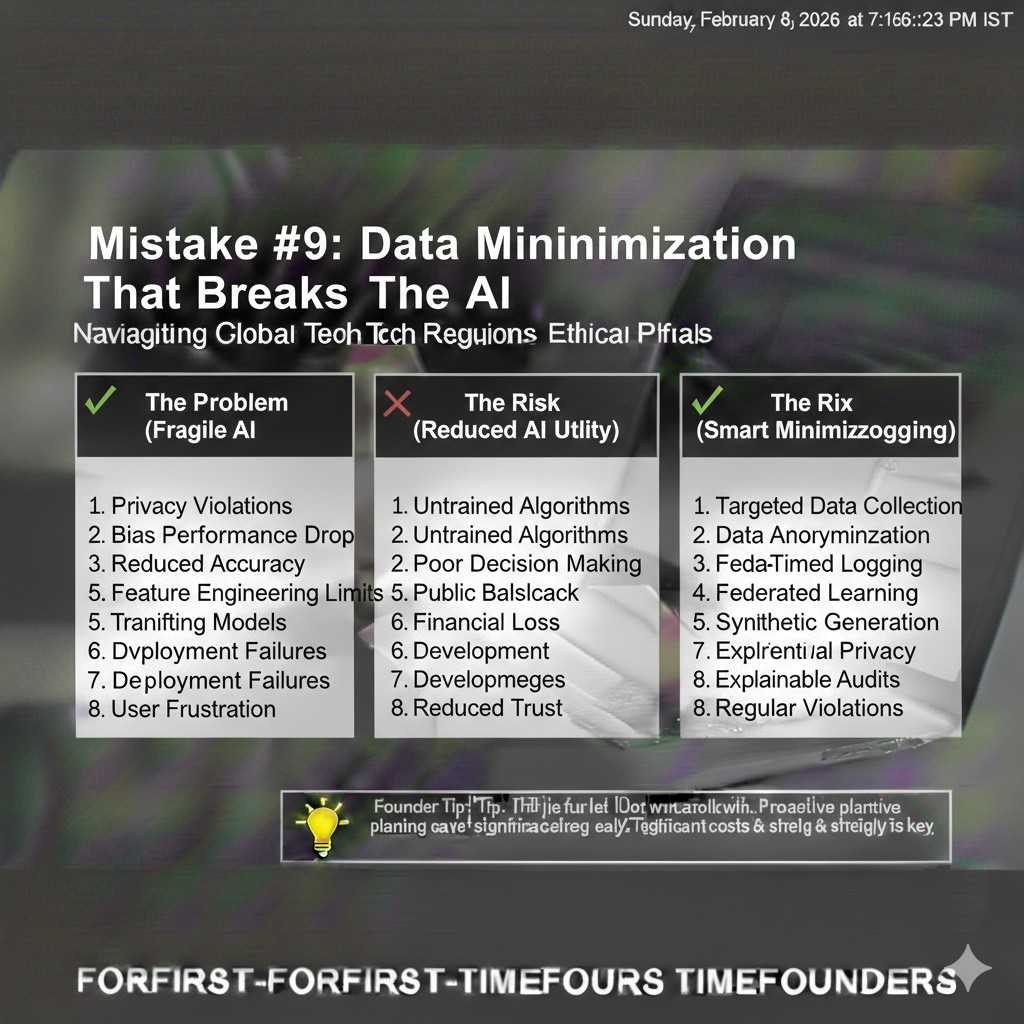
AI products often collect extra fields because “it might help the model.” But many of those fields mainly help the business, not the model, like full names, titles, or long profile notes.
Privacy-by-design means you separate those motivations. The model usually needs less than you think. Often it needs context, not identity. It needs the shape of a problem, not the person behind it.
When you cut identity data out of model-facing paths, you reduce risk without hurting output quality.
Use redaction in the right place in the pipeline
Redaction can help, but only if it sits in the right spot. Many teams redact after they log, which defeats the whole point.
A better design is to redact before anything leaves your core boundary. That means before logs, before analytics, before vendor APIs, and before any long-term storage that is hard to control later.
Redaction also has to be realistic. If you blindly remove everything that looks like an email or phone number, you might break the task the user is trying to do. The practical approach is to redact only what is not needed for the task, and to give the user a clear warning when they paste risky data.
Prefer short-lived processing over permanent storage
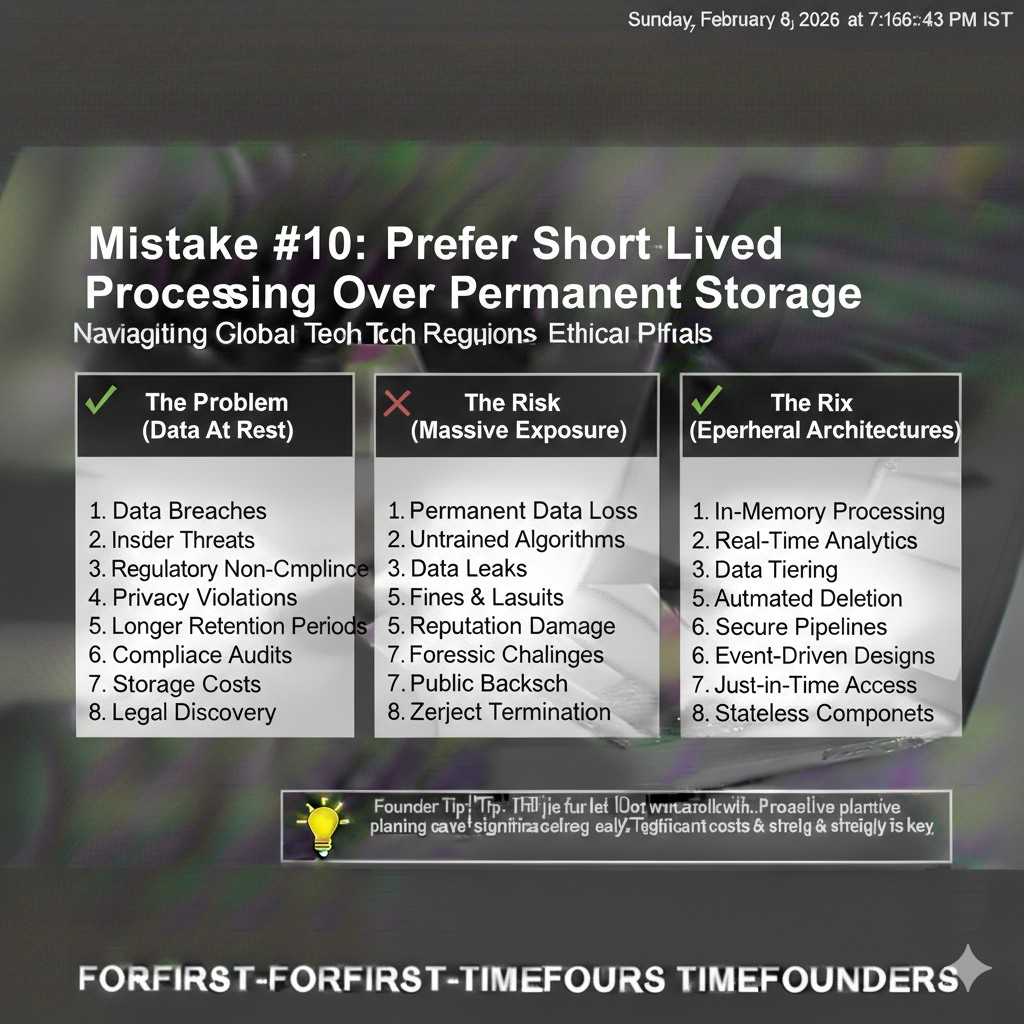
If your product can process user input and then discard it, do that. The system becomes easier to defend. It is also easier to explain.
When you must store something, store a safer version. Store a summary that does not include names. Store embeddings that are tied to a user boundary. Store structured fields that are less revealing than raw text.
You do not need to be perfect. You just need to be consistently conservative.
Retrieval systems and vector databases: where teams get burned
Understand the real risk: cross-user leakage
When teams move to retrieval-augmented generation, the first concern is usually performance. The bigger privacy concern is isolation.
If one user’s data can influence another user’s output, you have a serious trust problem. It does not matter if it happens rarely. Even one incident can kill a deal.
Privacy-by-design here is not complicated, but it must be strict. Every retrieval call must be scoped to an identity boundary that cannot be bypassed by clever prompting.
Build hard boundaries, not soft filters
A soft filter is something like “only retrieve documents where workspace_id = X.” That sounds fine, but it depends on your app always applying the filter correctly.
A hard boundary is when the data is physically separated or cryptographically separated so that even if a bug happens, data does not leak across tenants.
You can do this in more than one way. Some teams use separate indexes per tenant. Some use separate namespaces with strict enforcement in the retrieval layer. Some use separate keys and encryption boundaries. The “best” choice depends on your scale, but the goal is the same: make cross-tenant access hard to do by accident.
Be careful with shared caches and “helpful” memory features
Many AI products add memory. They also add caching to save cost. Both can be dangerous if you do not scope them tightly.
A shared cache that stores model responses can leak content if it is keyed poorly. A memory feature that “remembers” user details can create a record you did not plan to store.
If you want memory, design it like a user-controlled feature. Let the user see what is saved. Let them delete it easily. Make it clear whether it is stored locally, in your database, or in a third-party system.
When privacy is visible and controllable, trust goes up.
Vendors and third parties: privacy fails when you outsource blindly
Assume every tool will copy data unless you stop it
Analytics tools, error trackers, session replay tools, support chat tools, and model providers often collect more than you expect.
Privacy-by-design means you do not rely on hope. You verify what data each vendor receives, and you turn off what you do not need.
The practical move is to create a “vendor intake habit.” Before you add a tool, ask: what data does it see, where is it stored, how long is it kept, and can we delete it?
If you cannot answer those questions, the tool is not ready for production use.
Separate “core processing” vendors from “nice-to-have” vendors
Your model provider might be core. Your session replay tool is not. Your vector database may be core. A marketing tracker is not.
Treat nice-to-have vendors with stricter limits. Do not send them user content. Do not send them identifiers that can be tied to real people. Use coarse events and short retention.
This one discipline reduces risk more than most complex security work.
Make enterprise reviews easier by design
Enterprise buyers will ask for your sub-processors list, your data retention rules, and your access controls. If you have a messy vendor stack, you will scramble.
If you build with privacy-by-design, you can answer calmly. You can show that vendors only receive what is needed. You can show that you have turned off risky defaults.
This does not just reduce legal risk. It speeds up sales.
If your startup is building AI or robotics and you want to turn your core work into defensible assets, Tran.vc can help with IP strategy and patent work as in-kind seed support. Apply anytime: https://www.tran.vc/apply-now-form/
Deletion that people believe, not “delete” that keeps ghosts
Know what “delete” really means in your system
When a user asks you to delete their data, they do not mean “hide it from the UI.” They mean remove it from the places where it can still be found.
In AI stacks, data can sit in primary databases, logs, backups, object storage, vendor systems, and cached layers. If you do not map these, you cannot delete properly.
Privacy-by-design means you build a deletion path early, before your storage grows wild. It is much harder to bolt on later.
Design retention like a product choice, not a legal note
A strong retention policy is one you can explain in one clear paragraph. If your retention rules require a lawyer to translate, users will not trust them.
Pick time limits that match the product need. Keep raw content short-lived. Keep derived, safer data longer if it helps performance. Keep audit logs that prove actions happened, but do not keep the private content itself.
Then enforce these limits in code. A policy page is not enforcement. Automated deletion jobs are enforcement.
Access control that holds up under pressure
“Only a few people can see it” is not a control
Many teams say, “Only engineers can access production,” or “Only support can view messages.” That is a start, but it is not privacy-by-design.
Real control is when your system makes it hard to see sensitive data even for trusted staff, unless there is a clear reason. It is also when you can prove what happened after the fact.
When a large customer asks, “Who can view our data?” they are not asking for your intentions. They want your rules.
Separate roles so your team does not become the risk
As your company grows, people wear many hats. The same person might ship code, answer support tickets, and run analytics.
That can be fine early on, but you should still separate access paths. A support agent should not need database access to help a customer. An engineer should not need raw user text to debug most issues. A sales person should never see private content.
This is not about distrust. It is about removing temptation and reducing accidents.
A practical pattern is to build internal tools that show only what is needed, with masking by default. If someone needs more detail, require a reason and time-limit that access.
Make access visible, because hidden access kills trust
Users and buyers worry about what they cannot see. If your product has admin tools, show clear signals about privacy settings.
For example, if staff can access content for support, say when and why. If the customer can disable that, give them the choice. If you have audit logs, let enterprise customers view them.
This is one of the simplest ways to turn privacy into a feature that feels real.
If you are building an AI product and want your privacy posture to help you close deals instead of slowing you down, you can apply to Tran.vc anytime: https://www.tran.vc/apply-now-form/
Training, fine-tuning, and evaluation without stepping on landmines
Stop training on production data unless you have earned the right
Training on real user data can improve performance, but it can also break trust in one move.
The safest starting point is to not train on production content at all. Use public data, synthetic data, and carefully curated test sets.
Then, if you later want to learn from user data, do it only with clear opt-in, clear scope, and clear boundaries. Make it easy for users to say no and still use the product.
This is not only a privacy move. It also reduces legal and contract complexity, especially in B2B.
Use evaluation data that is clean and controlled
Many AI teams build evaluation sets by copying real user conversations into spreadsheets. It is common, and it is risky.
If you want privacy-by-design, build a small internal process for evaluation data. Remove identifiers. Remove unique details. Replace them with placeholders. Store the evaluation set in a system with tight access.
Even better, create evaluation examples that match the tasks but do not come from real users. It takes more work up front, but it avoids the long-term danger of private data living inside your model-testing culture.